
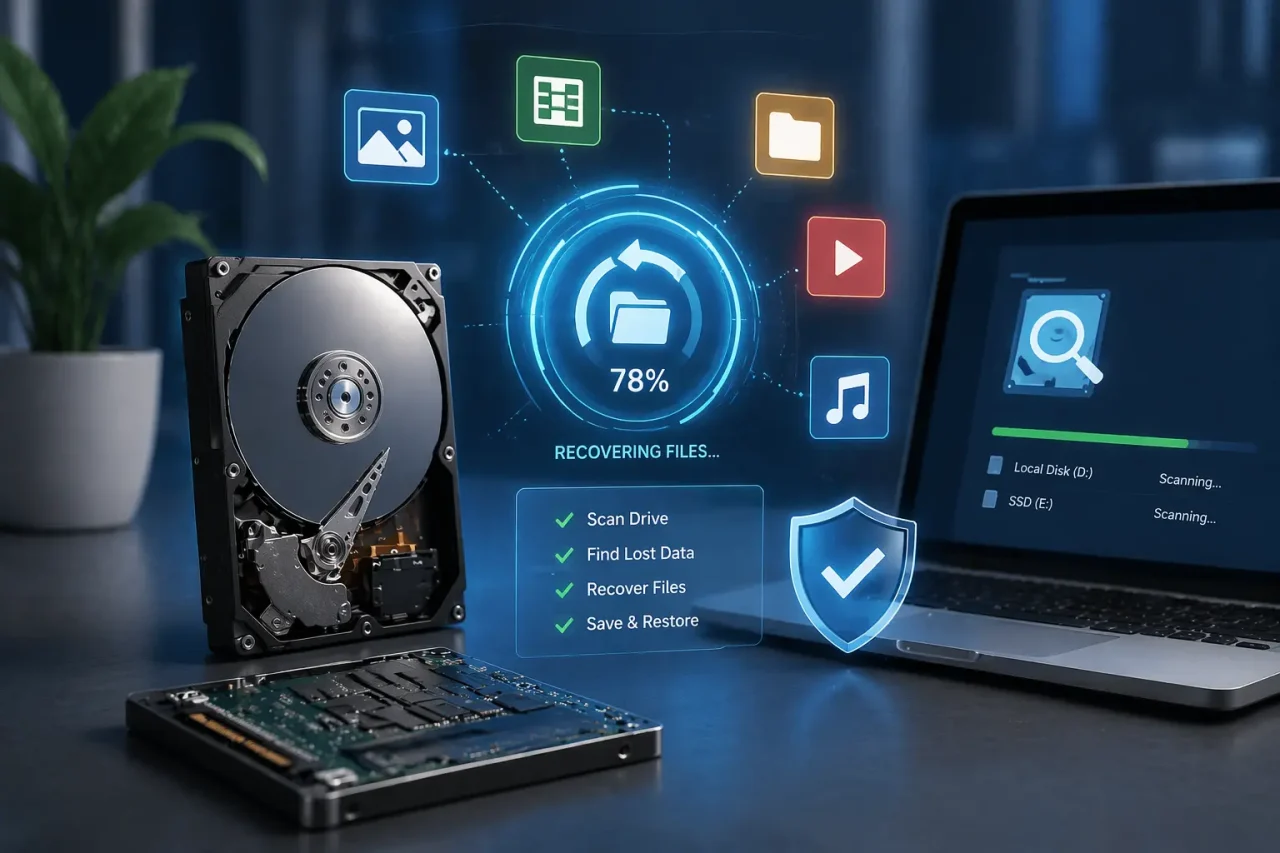
Losing important files from your computer can be stressful, especially when it involves business data, personal documents, or critical project files. Whether it happens due to accidental deletion, hardware failure, or system corruption, understanding how to recover lost data from a hard drive can save both time and money.
At Logical Network Solution (https://logicalnetworksolution.com), we specialize in professional Data recovery Services and advanced IT solutions that help individuals and businesses restore lost files safely and efficiently. In this guide, we will explain different recovery methods, tools, and services that can help you get your data back.
Understanding Hard Drive Data Loss
Before exploring solutions, it is important to understand why data loss happens. Common causes include:
- Accidental deletion of files
- Virus or malware attacks
- Physical damage to HDD or SSD
- Corrupted file system
- Power failure or sudden shutdown
- Partition deletion or formatting errors
No matter the reason, modern data recovery techniques make it possible to restore lost files in many cases.
Hard Drive Data Recovery: First Steps
When data loss occurs, the first rule is simple: stop using the drive immediately. Continued use can overwrite deleted files, making recovery harder.
To recover lost data from hard disk, professionals typically follow a structured process:
- Assess the condition of the drive
- Identify logical or physical damage
- Use specialized recovery tools
- Extract and restore recoverable data
For best results, it is always recommended to consult expert hard drive recovery services like those offered by Logical Network Solution.
HDD Data Recovery Tools
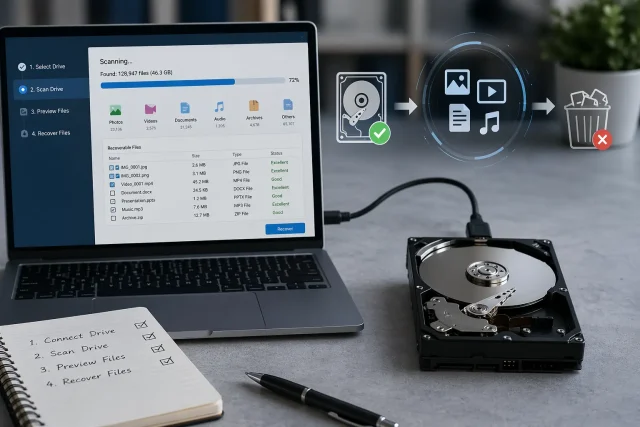
For traditional hard disk drives (HDDs), several HDD data recovery tools are available. These tools help scan storage sectors and retrieve lost or deleted files.
Some commonly used tools include:
- Advanced disk scanning utilities
- Sector-by-sector recovery software
- Deleted file restoration programs
While these tools can help in minor data loss cases, they are not always effective for physically damaged drives. In such situations, professional recovery becomes necessary.
SSD Data Recovery Methods
Recovering data from SSDs (Solid State Drives) is more complex than HDDs due to TRIM technology and flash storage architecture.
Common SSD data recovery methods include:
- Firmware-level recovery techniques
- Chip-off data extraction
- Controller-based reconstruction
- Deep scanning using specialized software
Because SSDs handle data differently, DIY recovery attempts often reduce the chances of successful restoration. Expert handling ensures better results and prevents permanent data loss.
Disk Recovery Software Solutions
When dealing with logical errors or accidental deletion, disk recovery software can be useful. These programs scan storage devices and rebuild lost file structures.
Key features include:
- Deep scan mode for hidden files
- File preview before recovery
- Support for multiple file formats
- Recovery from formatted drives
However, software-based recovery works best only when the hardware is in good condition. For severe cases, professional Data recovery Services are strongly recommended.
Partition Recovery Explained
Sometimes, users lose entire drives due to accidental partition deletion or corruption. This is where partition recovery becomes important.
Partition recovery helps to:
- Restore deleted partitions
- Recover inaccessible drives
- Rebuild partition tables
- Retrieve full folders and file systems
At Logical Network Solution, we use advanced partition reconstruction tools that help restore data even from damaged or missing partitions.
File System Recovery Process
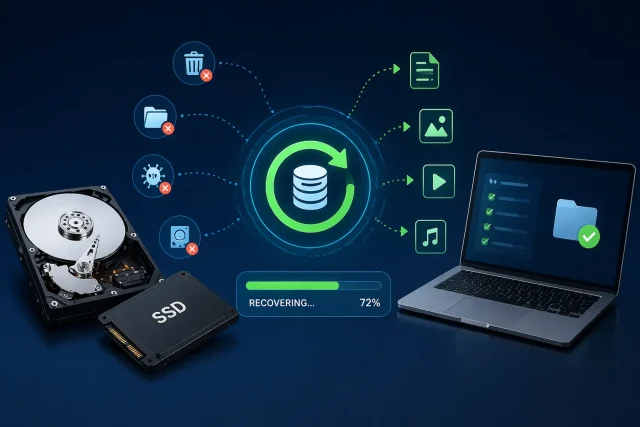
A corrupted file system can make your drive unreadable. This is where file system recovery plays a critical role.
File systems like NTFS, FAT32, and exFAT may become damaged due to improper shutdowns or system crashes. Recovery involves:
- Repairing directory structures
- Restoring file allocation tables
- Fixing boot sector issues
- Recovering lost file paths
This process helps restore access to important files without affecting data integrity.
RAID Data Recovery for Business Systems
Businesses often use RAID storage systems for performance and backup. However, RAID failure can lead to major data loss.
RAID data recovery involves:
- Rebuilding RAID arrays
- Recovering data from multiple failed drives
- Synchronizing corrupted data blocks
- Restoring server-level storage systems
Because RAID systems are complex, professional expertise is essential. Logical Network Solution provides specialized RAID recovery support for enterprises to minimize downtime and data loss risks.
When to Use Professional Hard Drive Recovery Services
While software tools are helpful, they cannot handle every situation. You should consider professional hard drive recovery services when:
- The drive is physically damaged
- BIOS cannot detect the disk
- There are clicking or grinding noises
- RAID systems have failed
- Software recovery attempts fail
Professional recovery labs use cleanroom environments and advanced tools to safely retrieve data without further damage.
You can explore our services here:
👉 https://logicalnetworksolution.com/services-solutions/data-recovery
Backup Solution Services: Preventing Future Data Loss
Recovery is important, but prevention is even better. Using reliable Backup Solution Services ensures your data remains safe even during unexpected failures.
Effective backup strategies include:
- Cloud-based backups
- External hard drive backups
- Automated scheduled backups
- Hybrid storage solutions
At Logical Network Solution, we provide customized Backup Solution Services designed for both individuals and businesses to ensure complete data protection.
Learn more:
👉 https://logicalnetworksolution.com/services/backup-solutions/
Why Choose Logical Network Solution?
Choosing the right service provider is crucial for successful recovery. Logical Network Solution offers:
- Expert-level Data recovery Services
- Advanced tools for HDD and SSD recovery
- Secure and confidential data handling
- Fast turnaround time
- Affordable recovery solutions
Whether you need to recover lost data from a hard disk or require enterprise-level RAID recovery, our team ensures reliable results with maximum data safety.
Visit our homepage:
👉 https://logicalnetworksolution.com
Final Thoughts
Data loss can happen unexpectedly, but it does not always mean permanent loss. With the right tools, techniques, and expert support, it is possible to recover lost files efficiently.
From HDD data recovery tools to advanced SSD data recovery methods, and from partition recovery to full RAID data recovery, each situation requires a specific approach.
For safe, secure, and professional assistance, Logical Network Solution provides trusted hard drive data recovery and Backup Solution Services tailored to your needs.
If you are facing data loss issues, do not wait—professional help increases the chances of successful recovery.
