
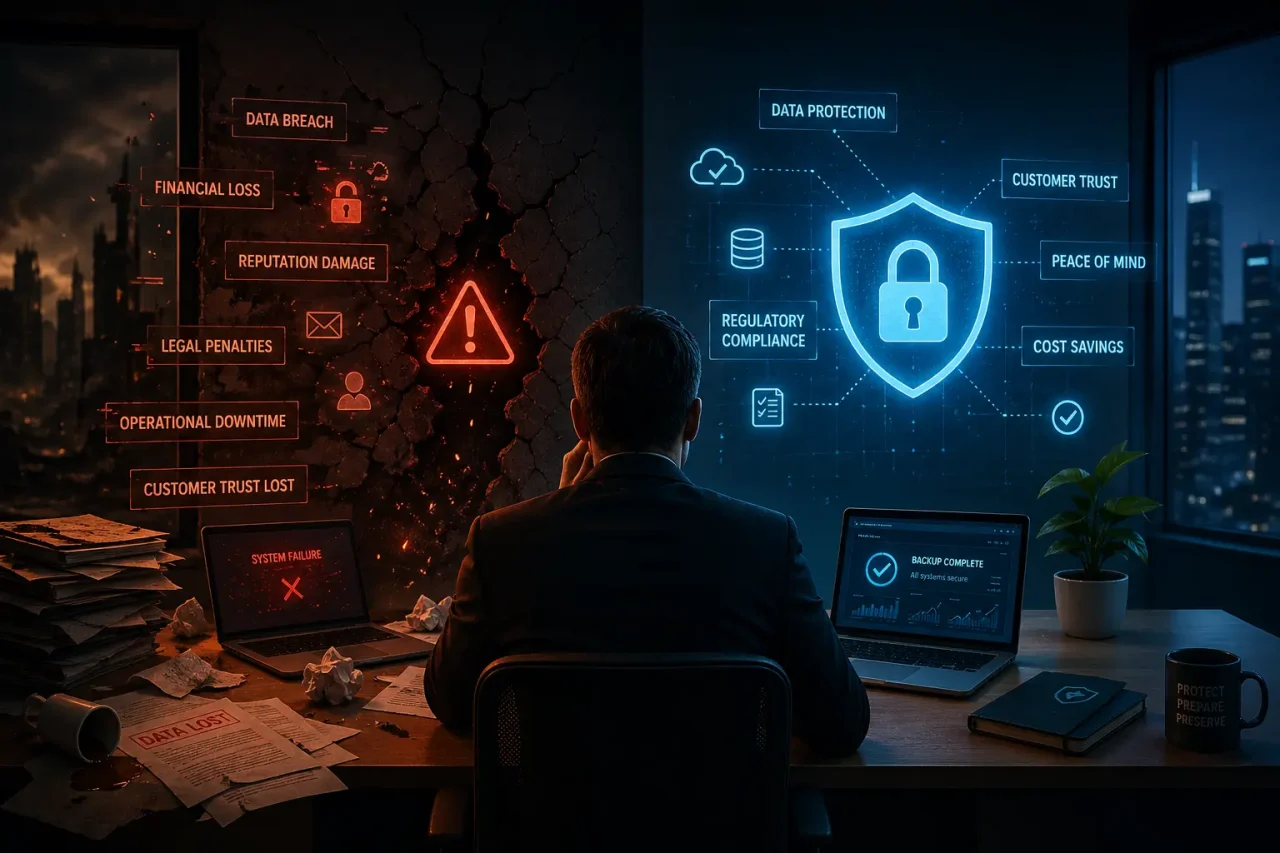
Honestly, we’ve all been there. That sinking feeling in your gut when you realize you just deleted a folder you spent three weeks on, or worse, your laptop decides to make a clicking sound and just give up on life. It’s a nightmare. In our world today, everything we do—our photos, our work, our tax returns—is just a bunch of digital bits. If those bits vanish, it’s not just an inconvenience; it’s a catastrophe. But when people start looking for ways to protect themselves, they get hit with a wall of jargon. Deciding between backup solutions vs cloud backup shouldn’t feel like a PhD entrance exam, yet here we are, trying to make sense of a dozen different options that all sound the same.
The Great Divide: Cloud backup vs traditional backup
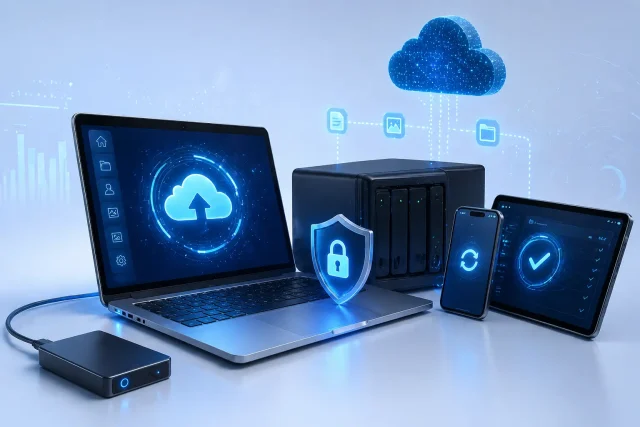
When we start comparing cloud backup vs traditional backup, we are basically looking at two very different philosophies of safety. Traditional backup is the physical stuff. It’s that external hard drive sitting on your desk or that stack of USB sticks in your drawer. It’s tangible. You can hold it. There’s a certain “old school” comfort in knowing that your data is physically right there in front of you. You aren’t trusting some mysterious server in another country; you’re trusting the hardware you bought with your own money.
However, the reality of cloud backup vs traditional backup is that physical things are incredibly fragile. If you spill a coffee on your laptop and it splashes onto your backup drive, you’re in trouble. If someone breaks into your office and grabs the hardware, your data goes with them. This is where the cloud changed everything. Cloud backup isn’t just a different drive; it’s a different location. It moves your files into professional-grade data centers that have more security than most banks. It’s about getting your “safety copy” far away from the “original copy” so that one disaster can’t take out both.
What’s the actual difference between backup and cloud backup?
I see people get confused by this all the time, but the difference between backup and cloud backup is mostly about how the work gets done. Think of “backup” as the general goal. If you copy a file to a CD, you’ve backed it up. If you email a PDF to your friend for safekeeping, that’s a backup. It’s just the act of making a second copy.
But when we talk about the difference between backup and cloud backup, we’re usually talking about automation. A standard backup usually requires you to remember to do it. You have to plug the drive in, click the buttons, and wait. Cloud backup is a service. It sits in the background of your computer like a silent guardian. The moment you save a new document, it’s already encrypted and flying across the internet to a secure server. It takes the “human” out of the equation, which is great because humans are famously bad at remembering to run backups on a regular schedule.
An Honest Backup Solutions Comparison
If you sit down and do a proper backup solutions comparison, you’ll find that both sides have some pretty serious pros and cons. Let’s talk about speed for a second. If you have to restore an entire 2TB hard drive, doing it over a local cable is going to be way faster than downloading it from the web. If you’re a photographer or a video editor working with massive files, speed is everything.
On the flip side of that backup solutions comparison, you have to think about maintenance. A local drive has moving parts. Eventually, that motor is going to die or the circuit board is going to fry. Cloud providers handle all that maintenance for you. You’re paying a monthly fee, sure, but you’re paying for the peace of mind that someone else is worrying about the hardware failure, the power outages, and the security patches. For a lot of people, that’s a trade-off that is well worth the price of a couple of coffees a month.
The Daily Struggle: Cloud backup vs local backup
In the practical world of cloud backup vs local backup, it really comes down to how you live your life. If you’re a digital nomad working from different cafes every day, carrying a local backup drive is a massive pain. It’s just one more thing to lose or break in your bag. For you, the cloud is the only thing that makes sense. It doesn’t matter if you’re in New York or Lahore; if you have Wi-Fi, your work is safe.
But if you’re a gamer or a designer with a heavy-duty workstation at home, cloud backup vs local backup might look a bit different. You probably want a local drive for those “oops, I accidentally deleted my favorite save file” moments because it’s instant. But you still need the cloud for the big stuff—like if a lightning strike fries your power supply and takes your motherboard with it. The smartest people don’t pick one or the other. They use a hybrid approach. Local for speed, cloud for the “end of the world” scenarios.
Navigating the Types of backup solutions
Before you go out and buy anything, you need to understand that there are different types of backup solutions. You don’t want to be using the wrong tool for the job.
- Full Backups: This is the “everything and the kitchen sink” approach. It copies every single bit of data on your drive. It’s slow, but it’s the most complete.
- Incremental Backups: These are much more efficient. They only copy the files that have changed since your last backup. If you only edited one Word document today, it only copies that one document.
- Mirroring: This is exactly what it sounds like. It’s a live reflection. If you change a file, it changes on the backup. It’s great for uptime, but dangerous if you accidentally delete something, because the “mirror” will delete it too!
Choosing between these types of backup solutions is all about finding the balance between how much space you have and how much work you’re willing to do.
What is the Best backup solution for business?
If you’re running a company, the conversation changes. You aren’t just protecting photos; you’re protecting a livelihood. The best backup solution for business isn’t just a product; it’s a strategy. It usually involves something called the 3-2-1 rule: Three copies of your data, on two different types of media, with one copy stored entirely off-site.
For most offices, the best backup solution for business involves a local NAS (Network Attached Storage) that everyone can access quickly, which then replicates itself to an encrypted cloud provider every night. This gives you the best of both worlds. You get the lightning-fast speed for minor mistakes, and you get the “disaster-proof” vault for major crises like ransomware attacks. If a hacker locks your files, you need a backup that they can’t reach, and that’s where the cloud really shines.
Why You Should Consider Backup Solution Services
Look, managing all this stuff is a full-time job. Between encryption keys, storage limits, and testing restores, it’s easy for a busy professional to get overwhelmed. This is why Backup Solution Services have become so popular. Instead of trying to be your own IT department, you hire experts to do it for you.
These Backup Solution Services don’t just store your data; they monitor it. They know the second a backup fails and can jump in to fix it before you even realize there was a problem. They also help with “compliance,” which is a fancy way of saying they make sure you aren’t breaking any laws regarding how you store customer information. It’s about shifting the risk away from yourself and putting it into the hands of people who live and breathe data security.
At the end of the day, your data is only as safe as your last backup. Whether you go with a simple external drive or a high-end cloud service, the most important thing is that you actually start today. Don’t wait for the blue screen of death to show up before you realize you should have had a plan.
CTA
Secure Your Digital Legacy Today
Data loss doesn’t send a warning—it just happens. Don’t let years of hard work and memories vanish in an instant. Our team is here to help you build a bulletproof protection strategy that fits your budget and your lifestyle perfectly. Whether you need a simple cloud setup or a complex business recovery plan, we’ve got you covered.
Contact us today for a free data security audit and let’s make sure your digital world is safe for the long haul!
